01Email and attachment summaries
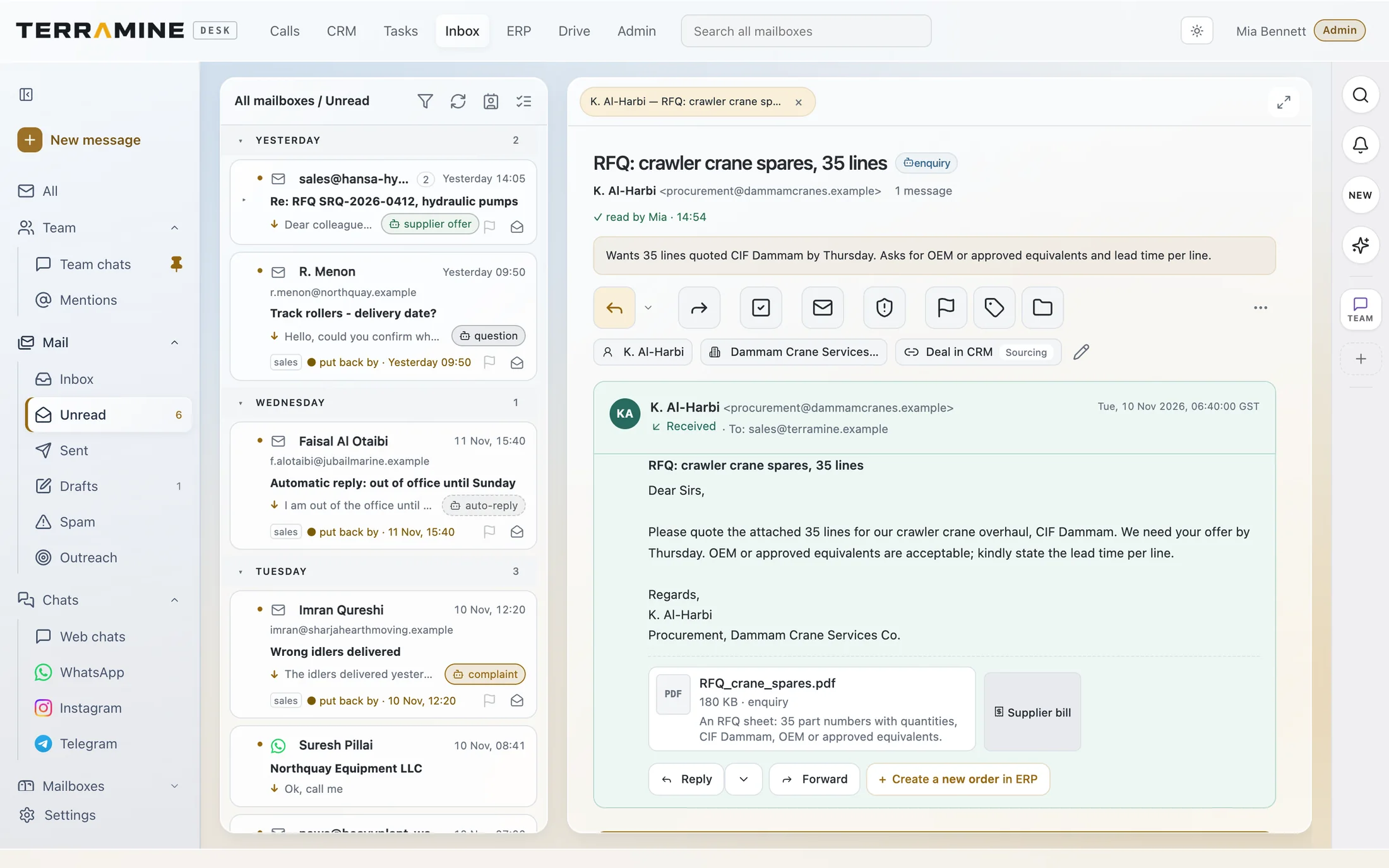
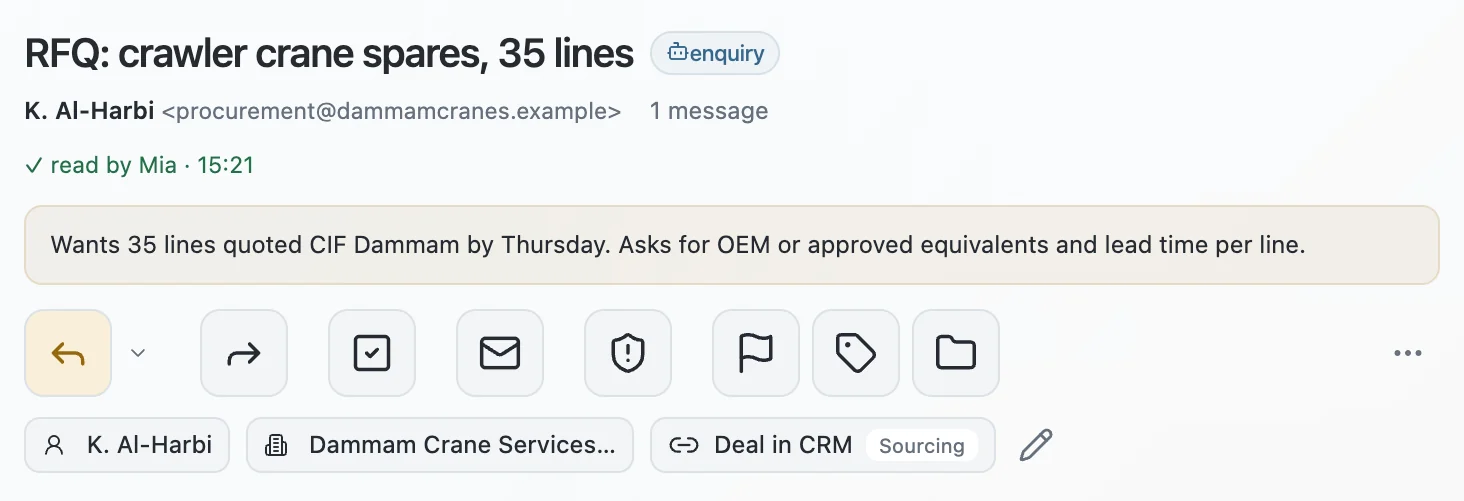
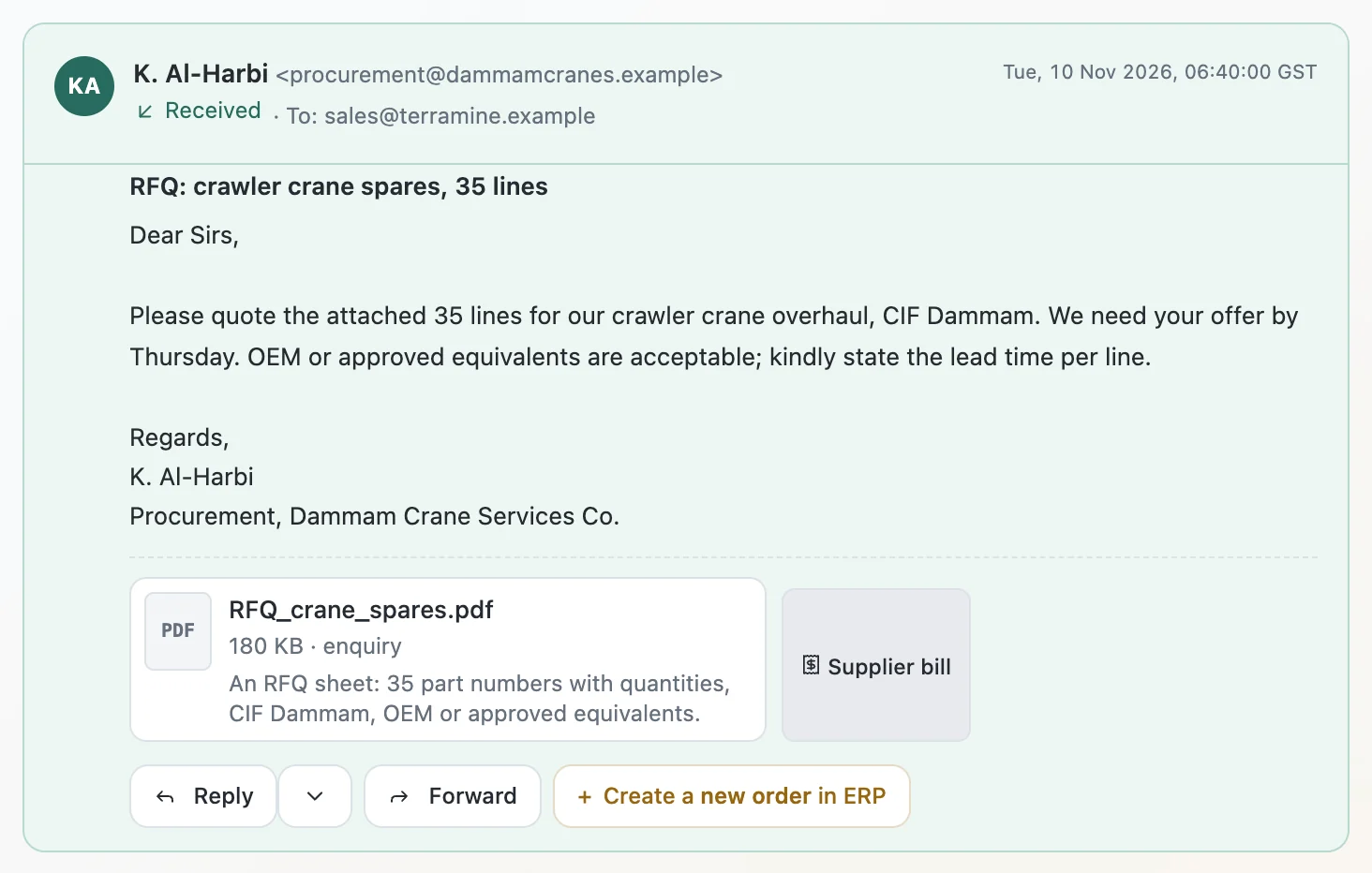
Get a concise text summary of the message and its attachments, so your team can understand the request before reading every document.
02Upload and recognise documents
Upload files or work with received attachments. Read PDFs, images, spreadsheets, Word documents and text files, and identify enquiries, quotations, invoices and other document types.
03Reply drafts with AI triage
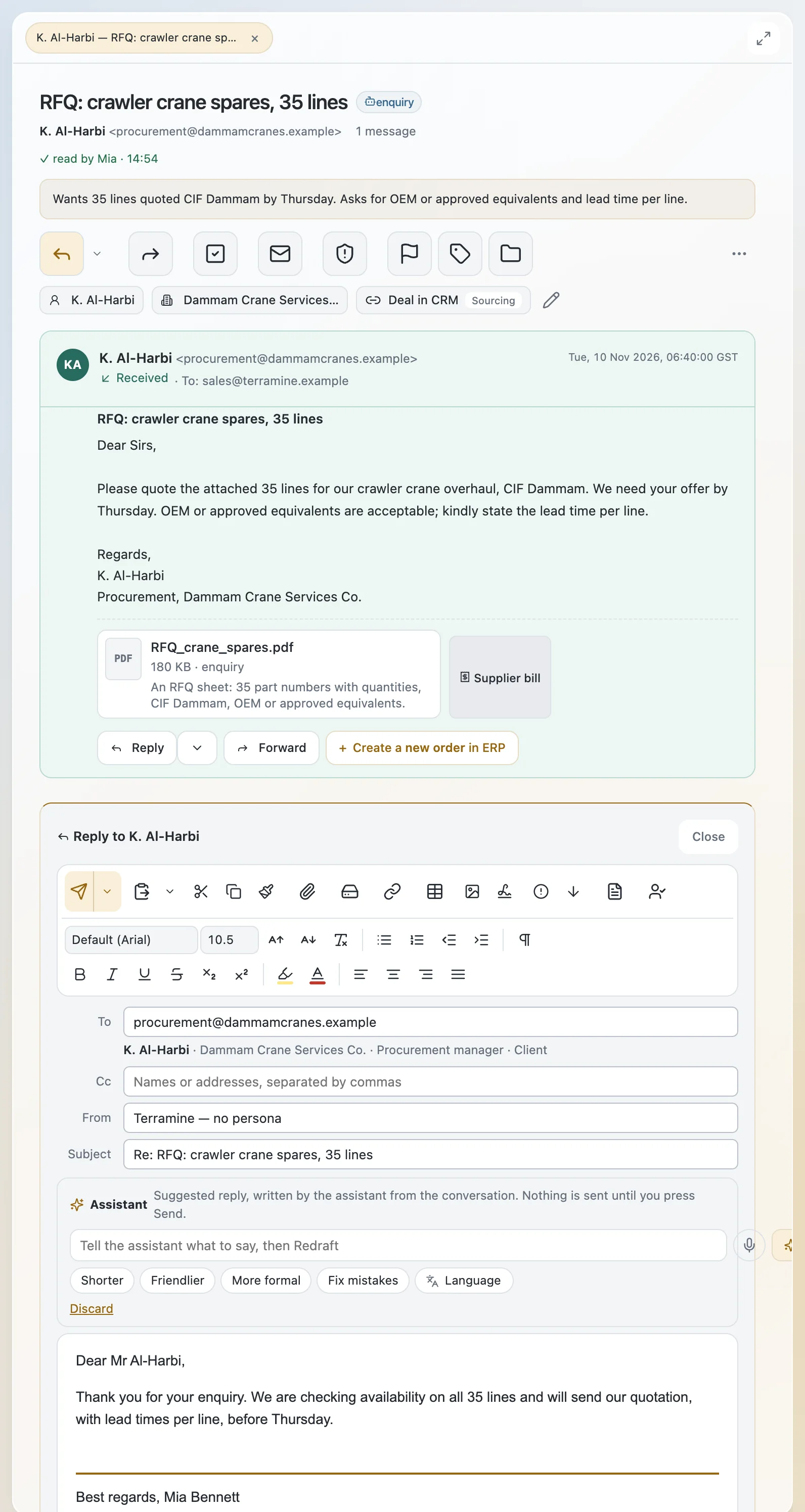
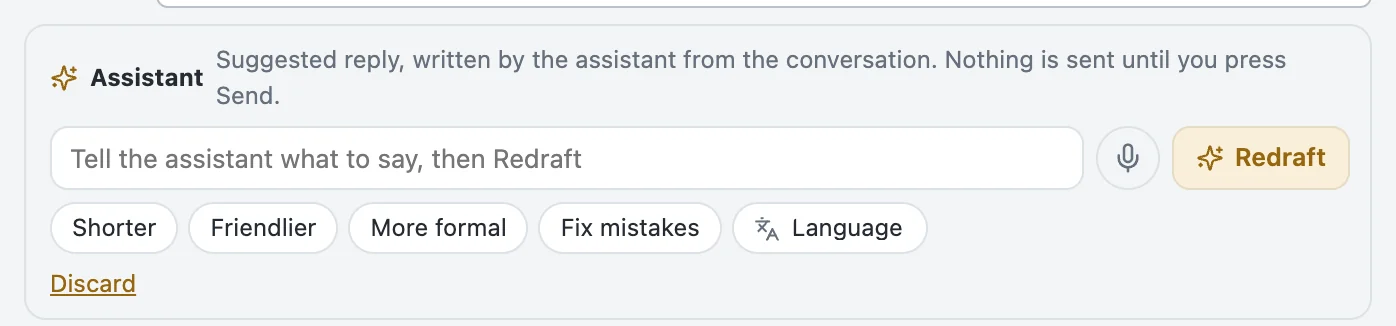
With AI email triage on, a message that needs a reply gets a draft. Edit it or ask for a rewrite before sending.
04Draft and rewrite from your instructions
Describe what you want to say to generate a reply, or ask AI to revise an existing draft. Keep your team's instructions and the conversation in context.
05Automatic email classification
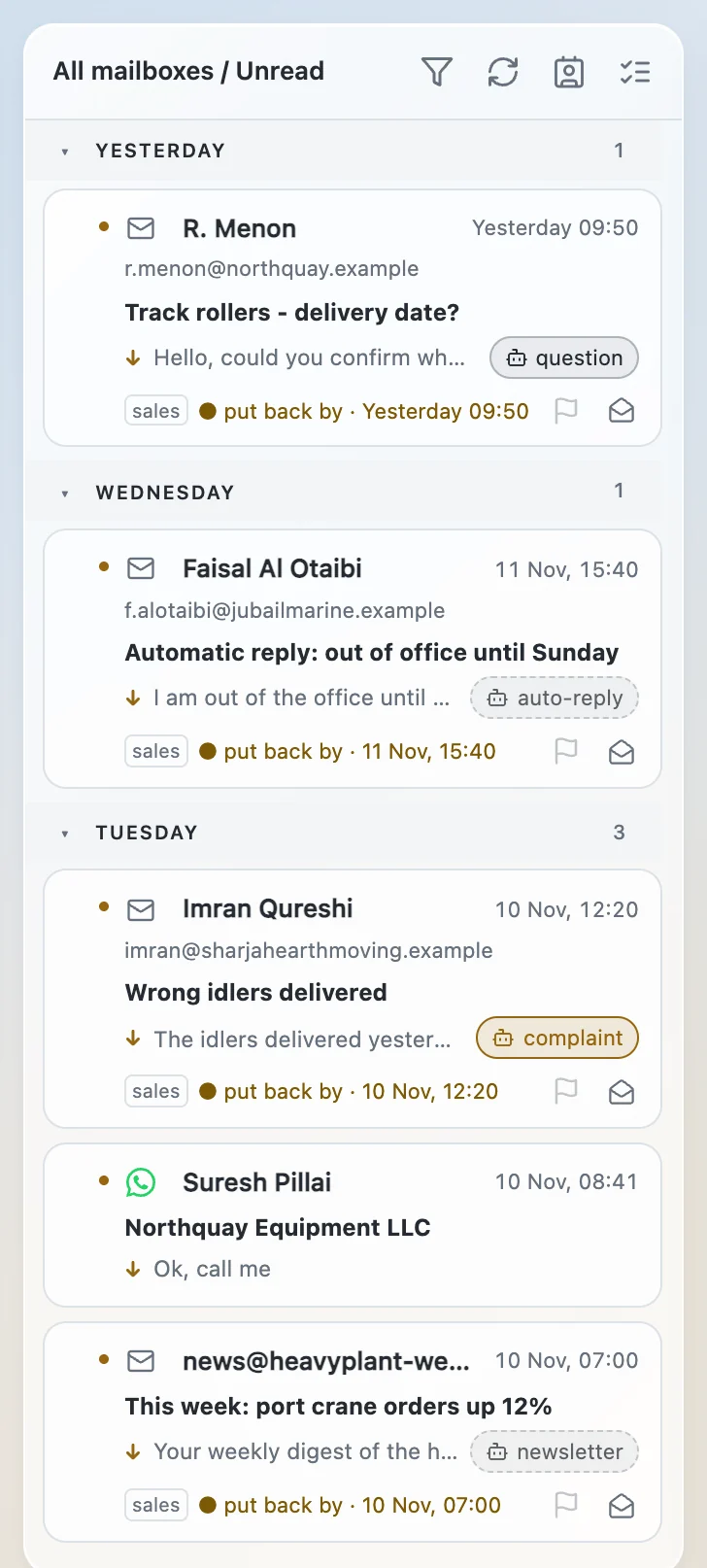
Distinguish customer enquiries, supplier quotations, complaints and automated messages. See which emails need a reply and keep routine auto-replies out of the sales workflow.
06From attachment to order
Extract product references and quantities from an enquiry into a draft order. Review the identified items before creating the order, with the source email and documents still linked.
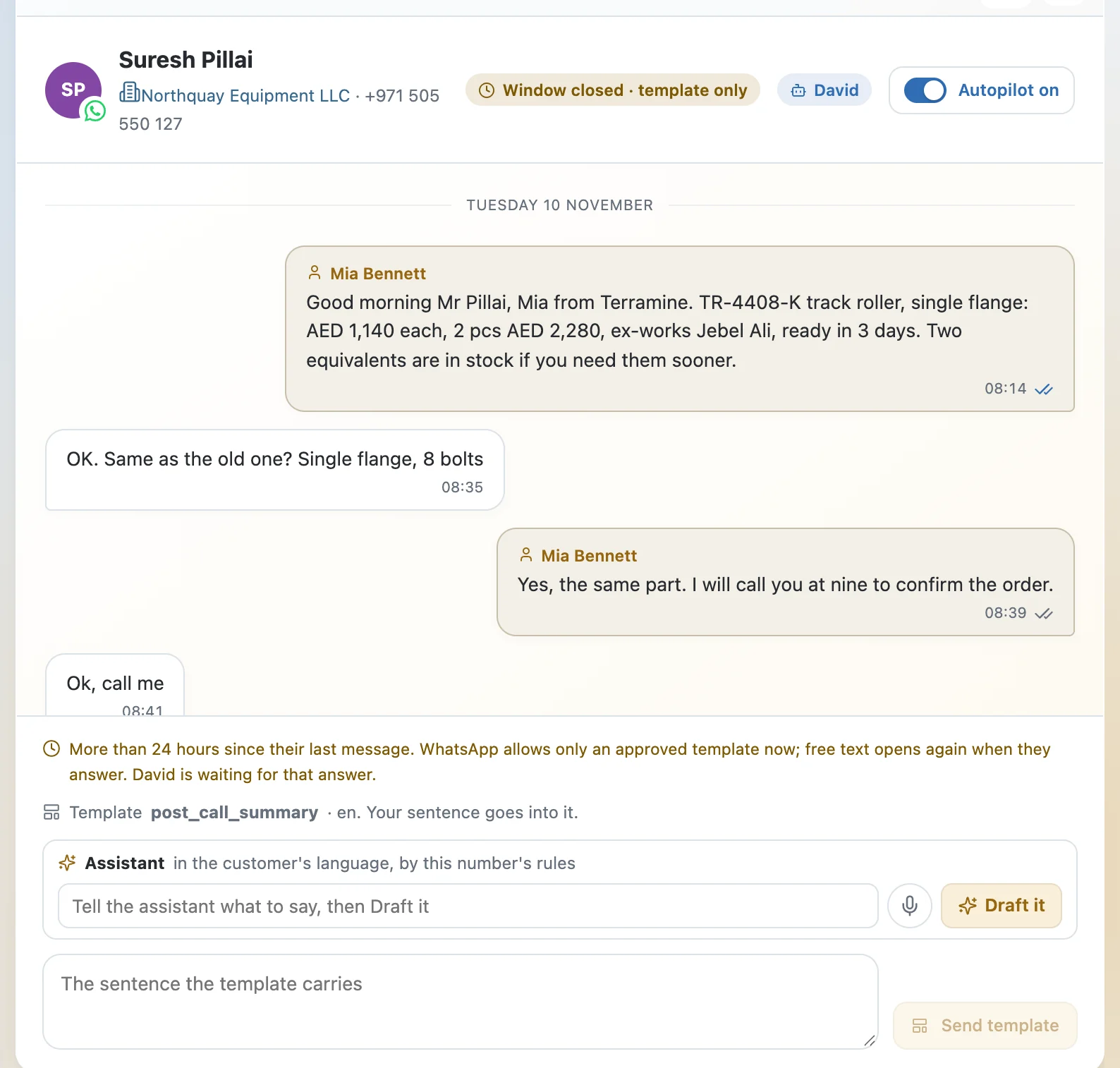
07Email and WhatsApp together
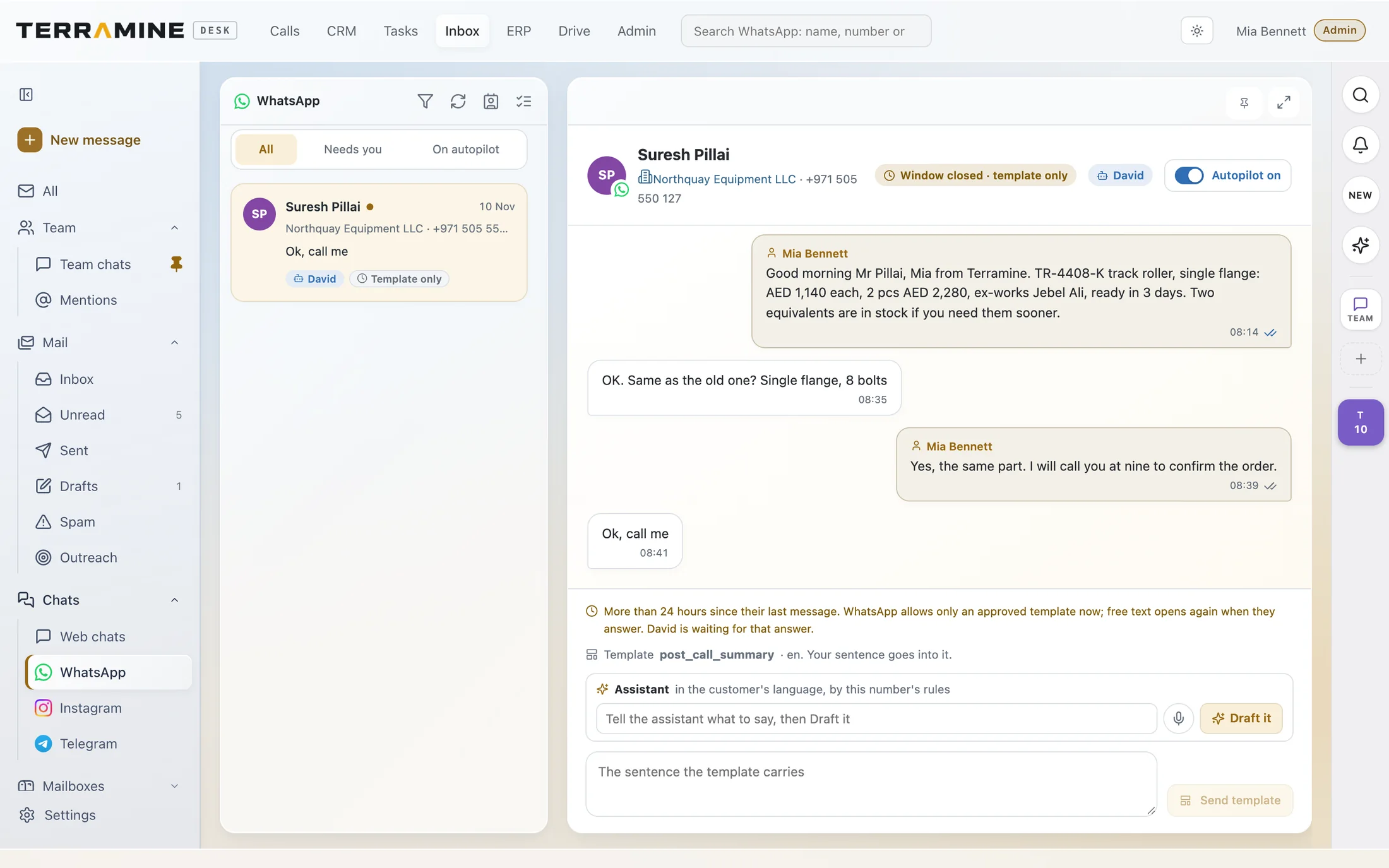
WhatsApp Business chats sit in Inbox beside the mail: one chat per customer number, searched the same way and linked to the same customer record. WhatsApp in Inbox is in beta.
08Work and personal mailboxes
Connect more mailboxes beside the shared one: Gmail and Microsoft 365 through their own sign-in once an administrator has set it up, others with an app password or by hand. A personal mailbox is seen by its owner alone; not even administrators can see it.
09Write the way you would in Outlook
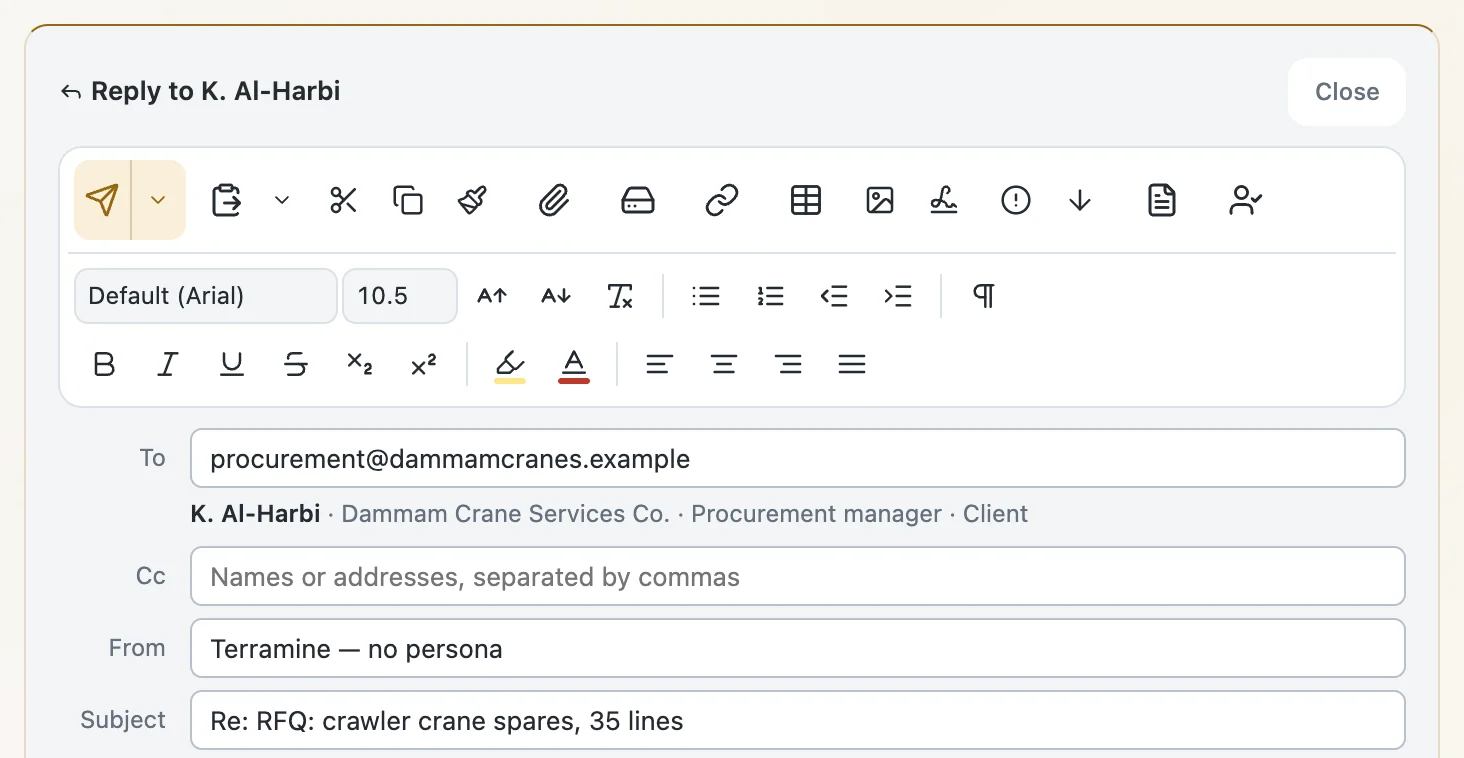
Format letters with fonts, colours, lists, tables and pictures. Pick a saved sign-off or template from the ribbon and the mailbox to send from. The customer receives the letter as it looks, with a plain-text copy.
10Suggestions as you type
To and Cc suggest people from the conversation, recent letters, CRM contacts, suppliers and your team. An address that bounced before is marked before you send.
11Your own folders, flags and rules
Each person sorts the shared Inbox their own way: folders, flags with a day, coloured categories and rules for new letters. A filter narrows any folder to unread, flagged, attachments or a date range across the whole history.
12Block a sender
Block an address or a whole domain for the team. Later letters go straight to Spam and are not read by AI, so they create no lead, reply or notification. Nothing is deleted.
13Every channel in one list
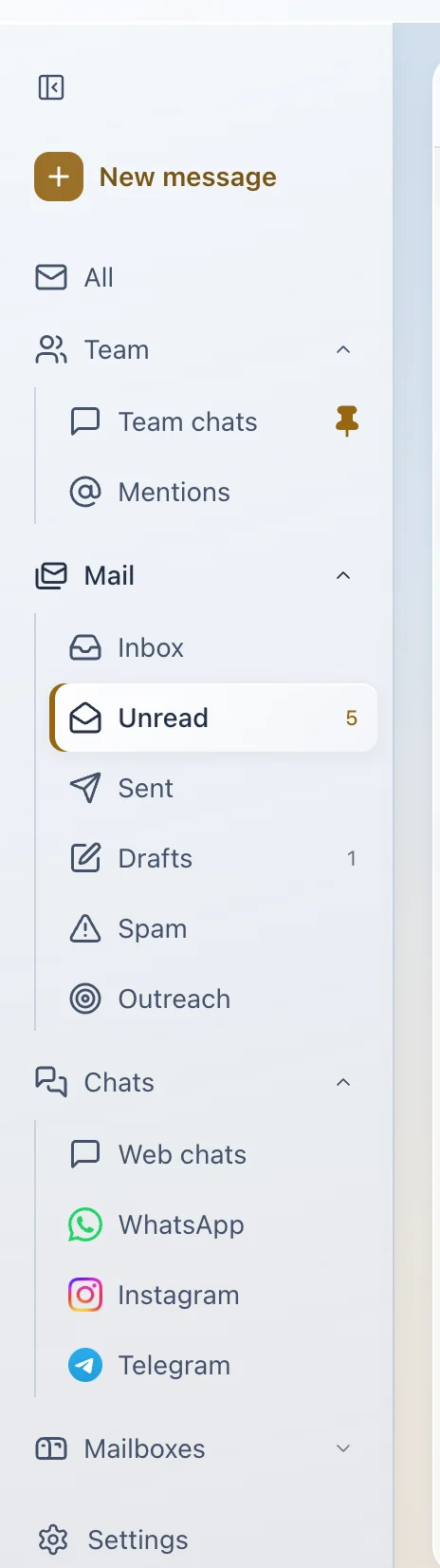
All, Inbox and Unread hold emails and chats together: WhatsApp, Instagram, Messenger, Telegram and WeChat, newest first, each row marked with its channel. Chat channels are in beta and connect to your own business accounts.
14Team chats on every deal and order
Every deal, order, company and lead has a chat for the team. Mention a colleague with @, drop in a file, turn a message into a task, and answer the client on their own channel from the same chat.
15Rewrite in one press
Shorter, friendlier, more formal, with the mistakes fixed or in another language, on the draft or on your own words. Part numbers, prices and dates stay as written.
16Dictate instead of typing
A microphone beside every line where you tell the assistant what to write. Speak in any language; the words land in the line for you to check.
17Scheduled sending
Pick the time an email goes out, on your clock or the customer's. It waits in Drafts until then.
18Reply templates and signatures
Pick a saved letter in the reply box and it is written, greeting the person by name with its files attached. The sign-off is picked from a list your team keeps.
19Bounces and dead addresses
A bounced email marks the address as dead and moves the lead to Lost. A notice that delivery is only delayed changes nothing.
20Enquiries rescued from junk
Messages caught by the provider's spam filter are surfaced for review, so a real enquiry is not lost in the junk folder.
21Pinned to the right rail
Pin Team chats, WhatsApp, a mailbox or one chat to the strip on the right of every screen. Read and answer a chat while the order or the board stays open.
22Attach from Drive
A reply, a chat message or a team chat takes a file straight from Drive, from the folders you may open. What is attached is a copy.